
Best Stylus Pens for iPad Procreate
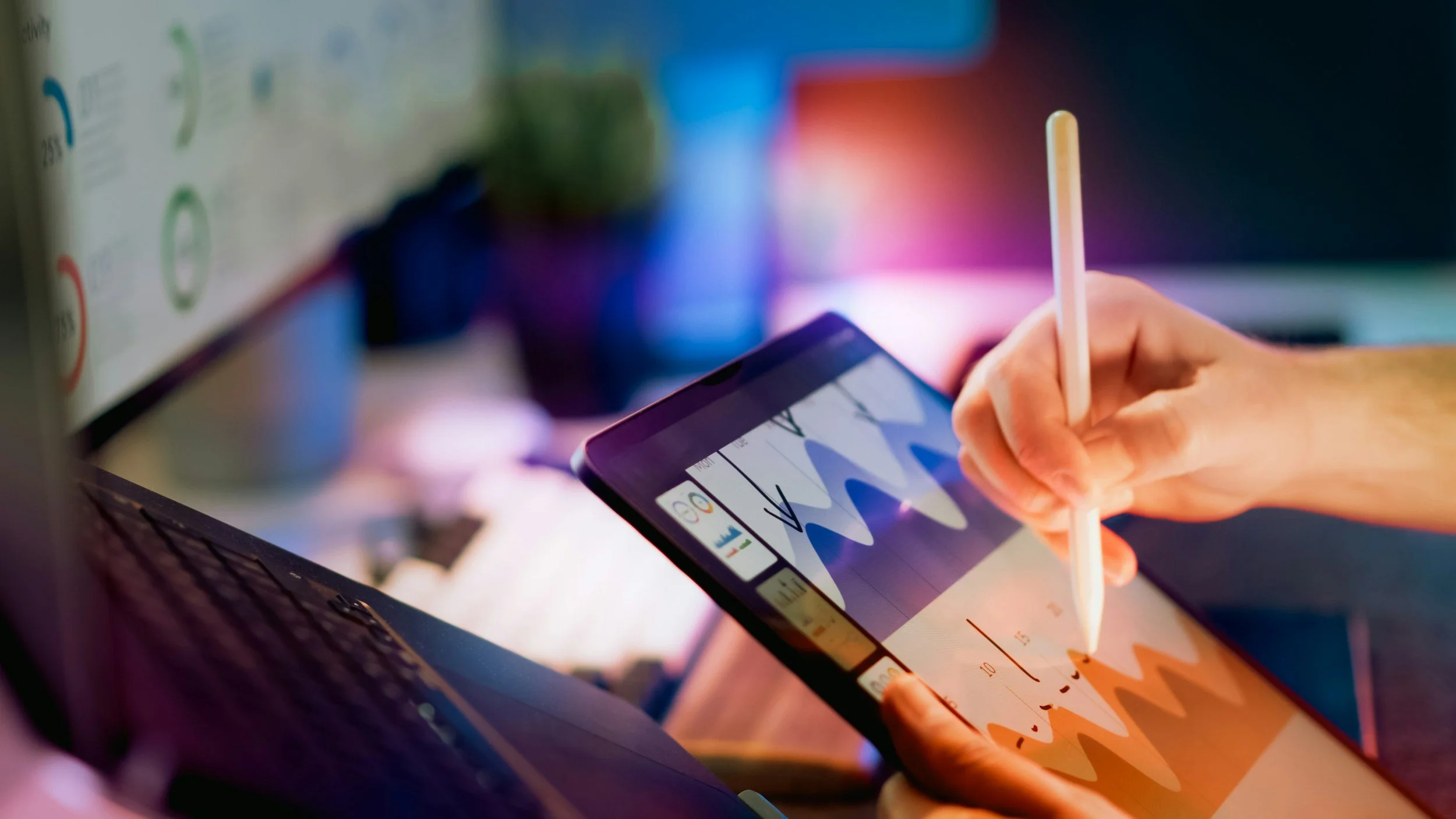
Looking for the best stylus pens to unlock your creativity in Procreate on the iPad? This guide reviews top stylus options that offer precision, responsiveness, and comfort for sketching, shading, and digital painting. Whether you’re returning to digital art or leveling up your toolkit, we’ve hand-picked pens that balance performance, compatibility, and value. You’ll learn what matters in terms of pressure sensitivity, tilt support, compatibility, and battery life — plus tips for choosing the right stylus based on your workflow and artistic goals. Create with confidence using the perfect stylus for your Procreate masterpieces.
Our Picks
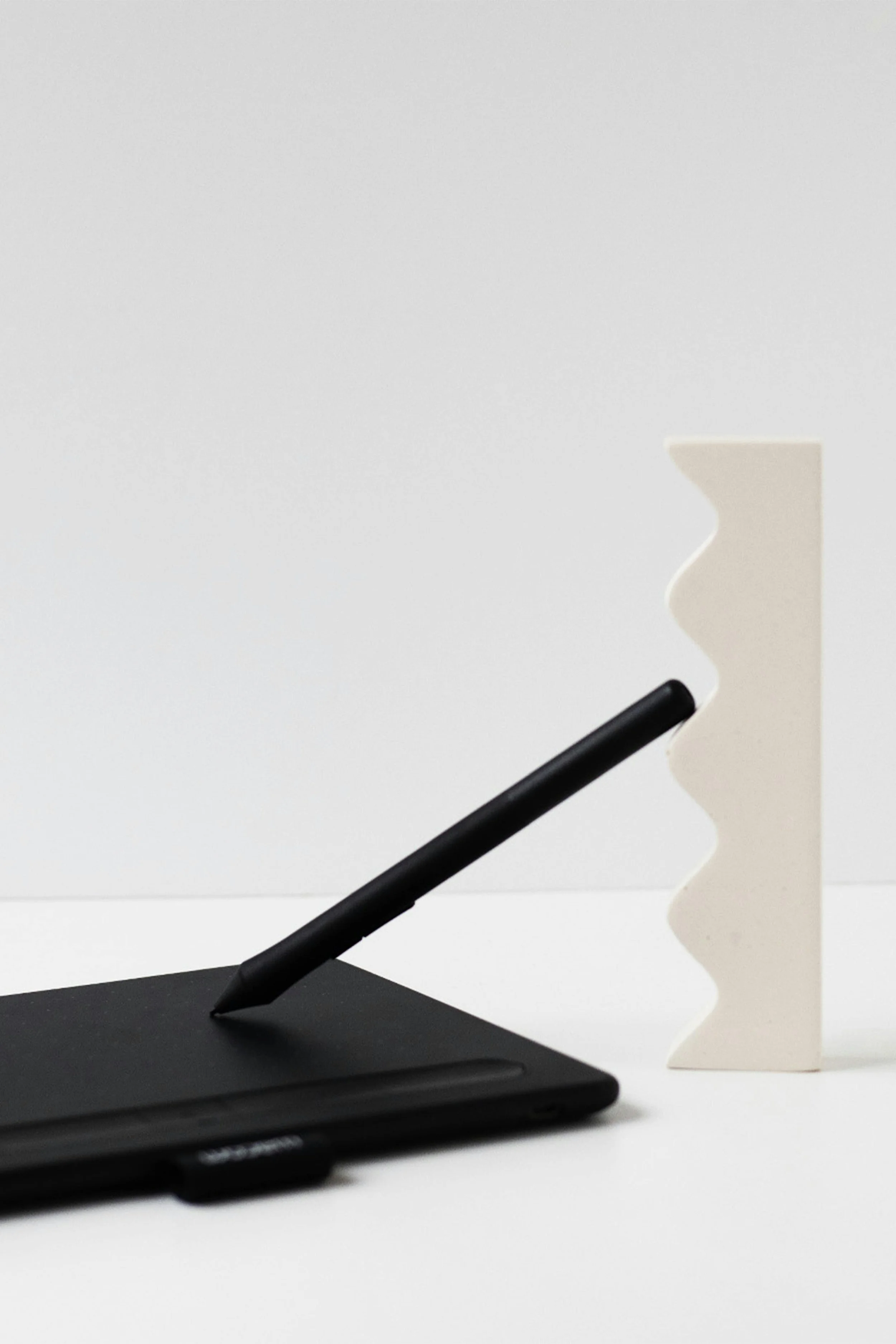
Product: Apple Pencil Pro
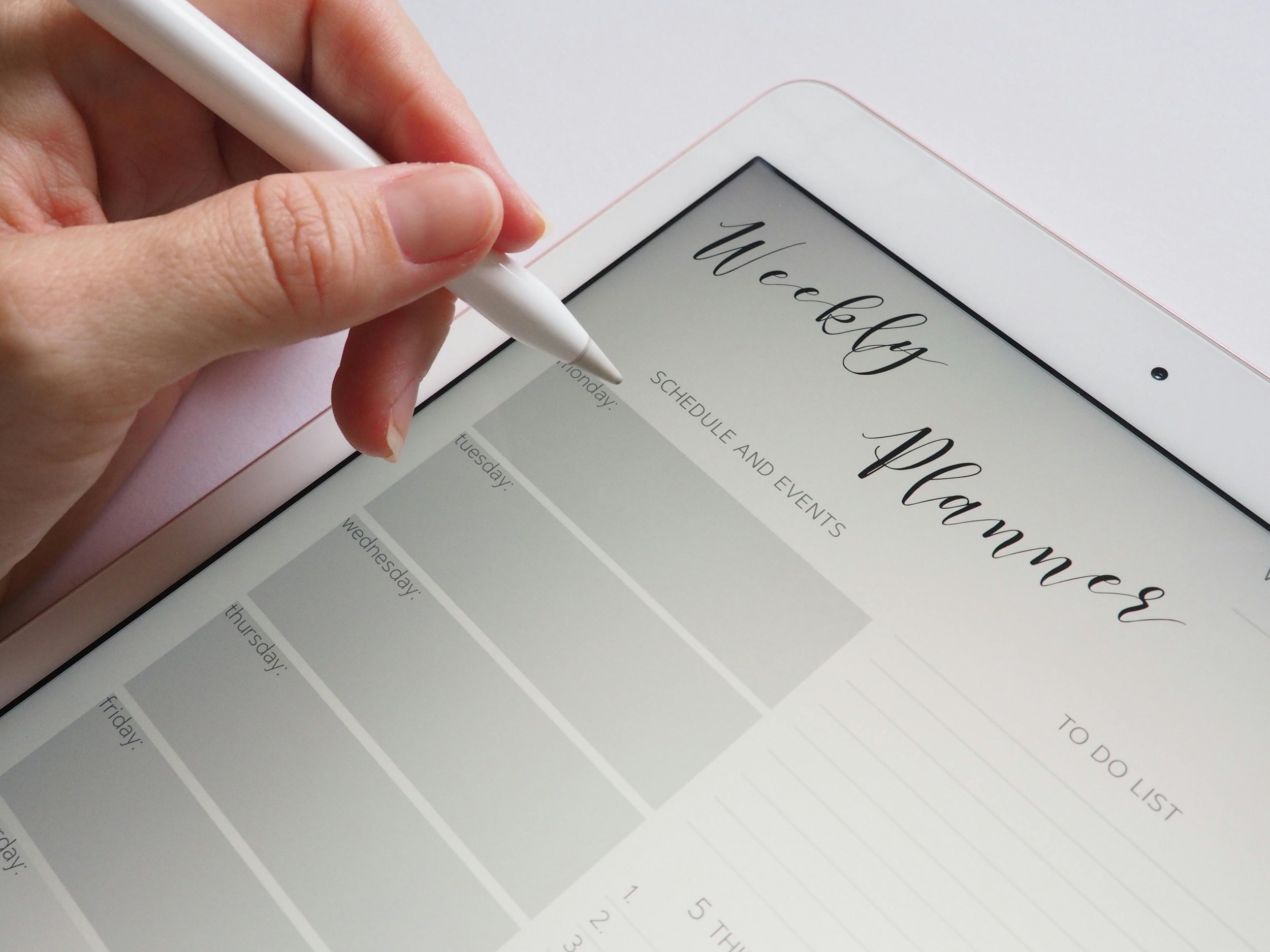
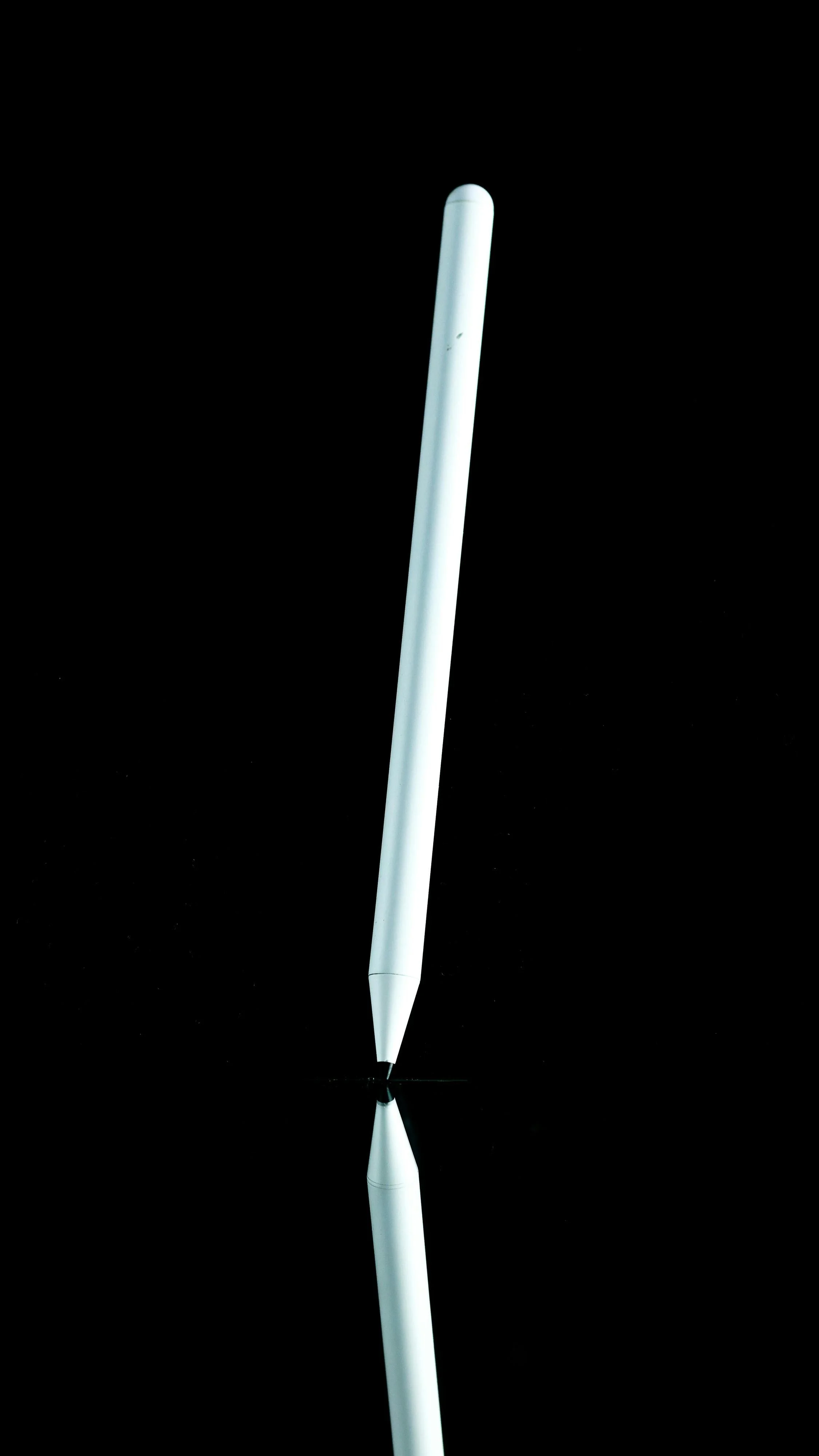
This is the stylus that sets the bar for digital drawing on Procreate: responsive, intuitive, and packed with features that feel designed for artists, not gadget shoppers. With advanced pressure and tilt support, haptic feedback, and seamless integration with iPadOS, it’s the closest you’ll get to traditional media with digital precision.
Best for: Artists who want the ultimate performance and feature set
What we like: Superior pressure/tilt support, haptic interaction, smooth strokes
What to know: It’s an investment — but one that’s worth it if you draw seriously
PICK #1 — Best Overall Stylus for Procreate
PICK #2 — Best Alternative Stylus
Product: Logitech Crayon Digital Pencil
This stylus is the one that proves you don’t have to buy the Apple Pencil to get a great Procreate experience. It offers palm rejection, pixel-perfect precision, and tilt-aware input — all without pairing headaches. It’s a great balance of quality and value for artists who want strong performance without premium pricing.
Best for: Creatives who want solid performance and great compatibility
What we like: Easy setup, reliable tracking, comfortable shape
What to know: No pressure sensitivity like Apple Pencil, but still very capable
Product: Adonit Note Stylus Pen
This stylus is the one that surprises you with how usable it is on Procreate, especially for the price. It connects without Bluetooth pairing and offers accurate screen tracking with palm rejection — perfect for quick sketches, studies, or hobbyist artwork.
Best for: Beginners or casual Procreate users on a budget
What we like: Great accuracy, long battery life, no pairing hassle
What to know: Doesn’t support advanced features like Apple Pencil tilt sensitivity
PICK #3 — Best Budget-Friendly Stylus
PICK #4 — Best Affordable Stylus With Natural Grip
Product: Studio Neat Cosmonaut Wide‑Grip Stylus
This stylus isn’t pressure-sensitive, but what it does deliver is an incredibly comfortable grip and smooth glide that makes long sketch sessions feel almost analogue. Ideal if you’re more into doodling, layouts, or creative brainstorming than hyper-detailed brushwork.
Best for: Artists who want comfort and ease over advanced features
What we like: Excellent ergonomics, smooth operation, budget-friendly
What to know: Not pressure-sensitive — more for general sketching than detailed shading
Your Questions, Answered
-
We prioritized styluses that work well with Procreate on iPad — considering pressure sensitivity, tilt support, palm rejection, responsiveness, and compatibility with iPad models from recent years. We also included strong alternatives for artists on a budget or those who want more comfortable ergonomics.
-
Pressure sensitivity dramatically improves line variation, shading, and natural drawing feel in Procreate. The Apple Pencil models lead in this, but some alternatives still give you a smooth, responsive experience even without full pressure support.
-
Key features include pressure sensitivity (for varied stroke thickness), tilt support (for shading and texture work), palm rejection (so your hand doesn’t accidentally draw), and low latency (so strokes appear instantly). Some styluses also offer shortcut buttons or magnetic attachment for convenience.
-
Yes — especially for sketching, concept work, and casual creative sessions. While the Apple Pencil still leads for detailed Procreate illustration and professional workflows, many budget and mid-range styluses offer surprisingly good performance on modern iPads.