
Best Tablets for Artistic Drawing
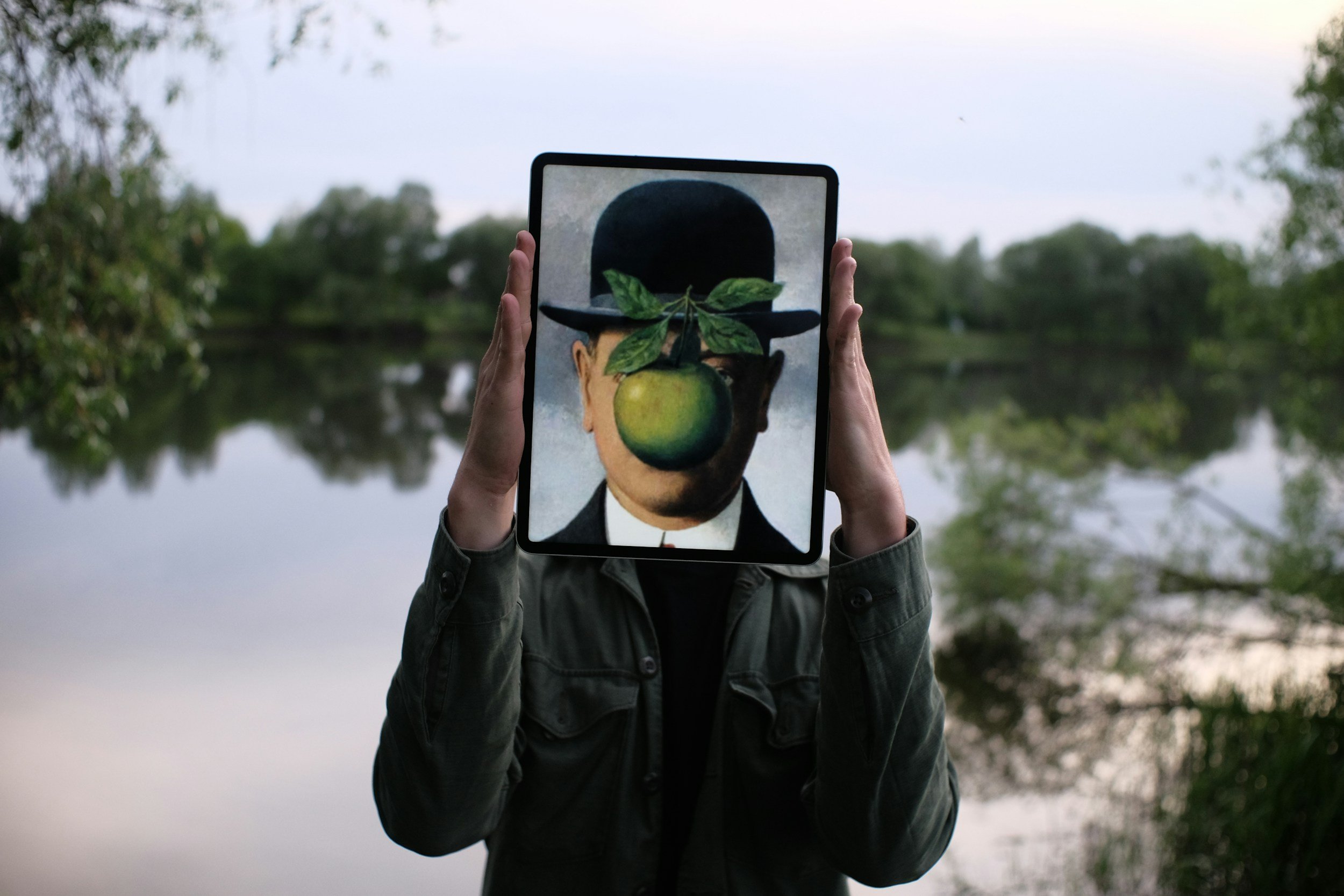
Looking for the best tablets to take your artistic drawing digital—without overwhelm or confusion? This guide reviews top tablets that make sketching, painting, and creative expression feel intuitive, precise, and enjoyable. Whether you’re returning to digital art after a hiatus or upgrading from finger-painting in MS Paint, we’ve hand-picked devices that balance performance, screen quality, stylus responsiveness, and ease of use. You’ll learn what matters in terms of pressure sensitivity, display, portability, and ecosystem, plus tips for choosing the right tablet based on your workflow and style. Create with confidence using tablets that let your art flow naturally from pen to screen.
Our Picks
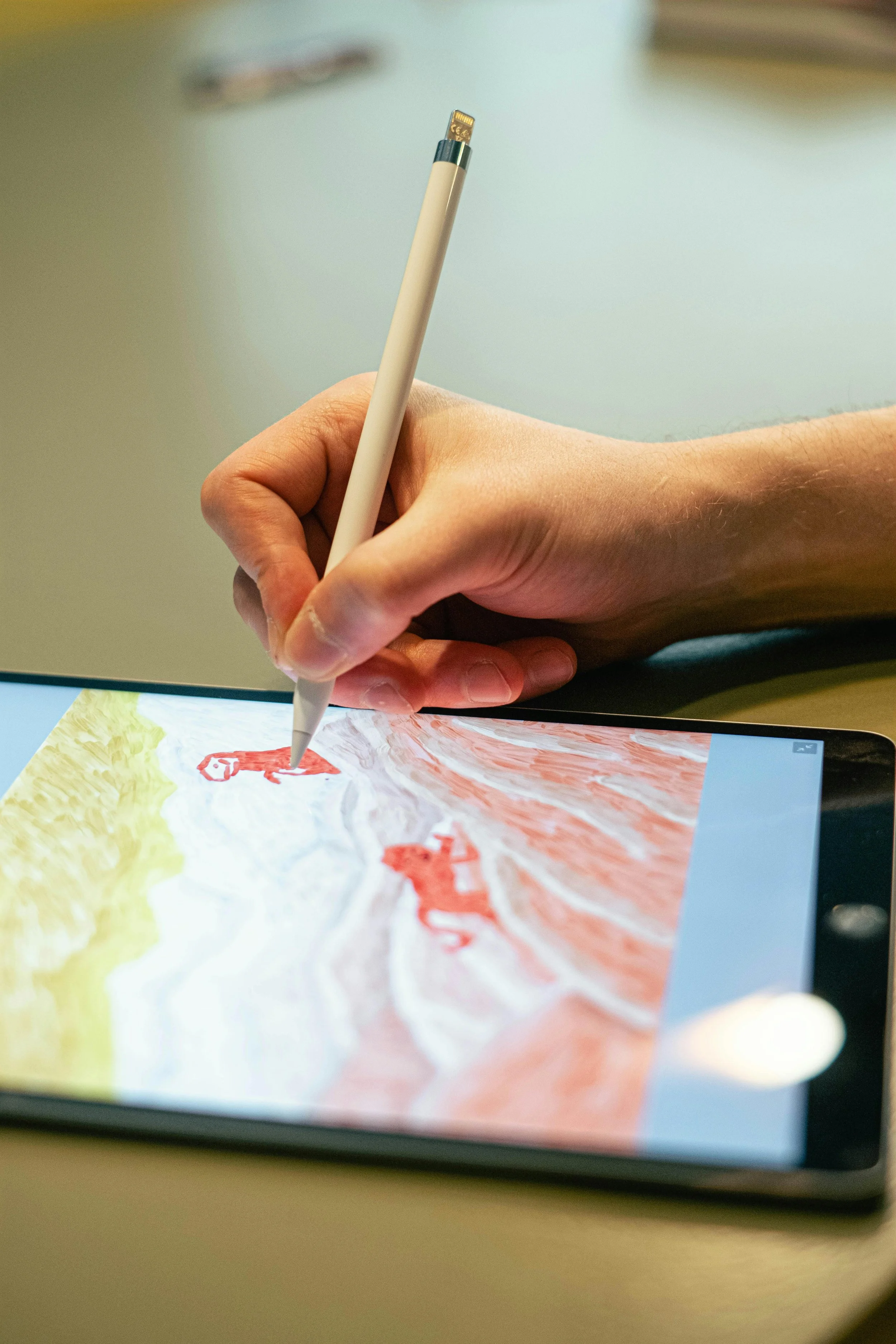
PICK #1 — Best Entry-Level Drawing Tablet
Product: Wacom Intuos Creative Pen Tablet
This tablet is the one that makes beginners go, “Oh. I get this.” It’s simple to set up, works with Mac/PC/Chromebook, and gives you reliable pen pressure sensitivity without a screen getting between your eyes and your line work. You’ll feel more in control than using a mouse or trackpad, and the included software options make it easy to start drawing seriously from day one.
Best for: New digital artists and hobbyists who want reliable pen performance on a budget
What we like: Easy setup, Bluetooth option in some models, very wide software compatibility
What to know: No built-in screen—you draw while looking at your computer monitor
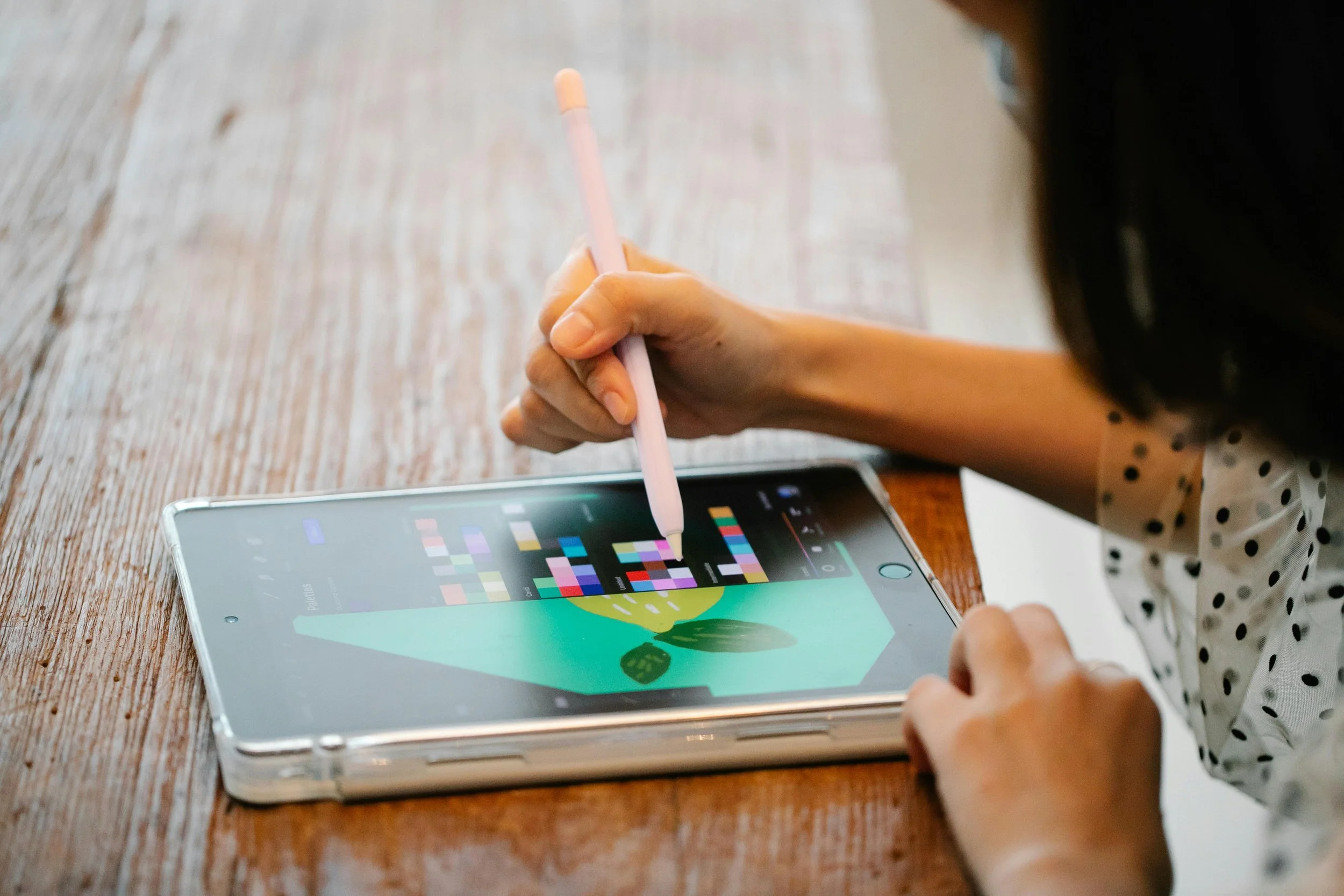
PICK #2 — Best Budget Pen Display Tablet With Screen
Product: XPPen Artist 12 (2nd Gen)
This screen tablet feels like leveling up. You draw directly on the display with an 8192-level pressure pen that feels responsive and natural. The 1080p screen is crisp, the anti-reflective surface feels suitably paper-like, and it’s compact enough for small desks without losing expressive control.
Best for: Artists who want an affordable dedicated drawing screen
What we like: Strong pressure sensitivity, natural feel, excellent value
What to know: Smaller screen—not ideal if you like lots of workspace
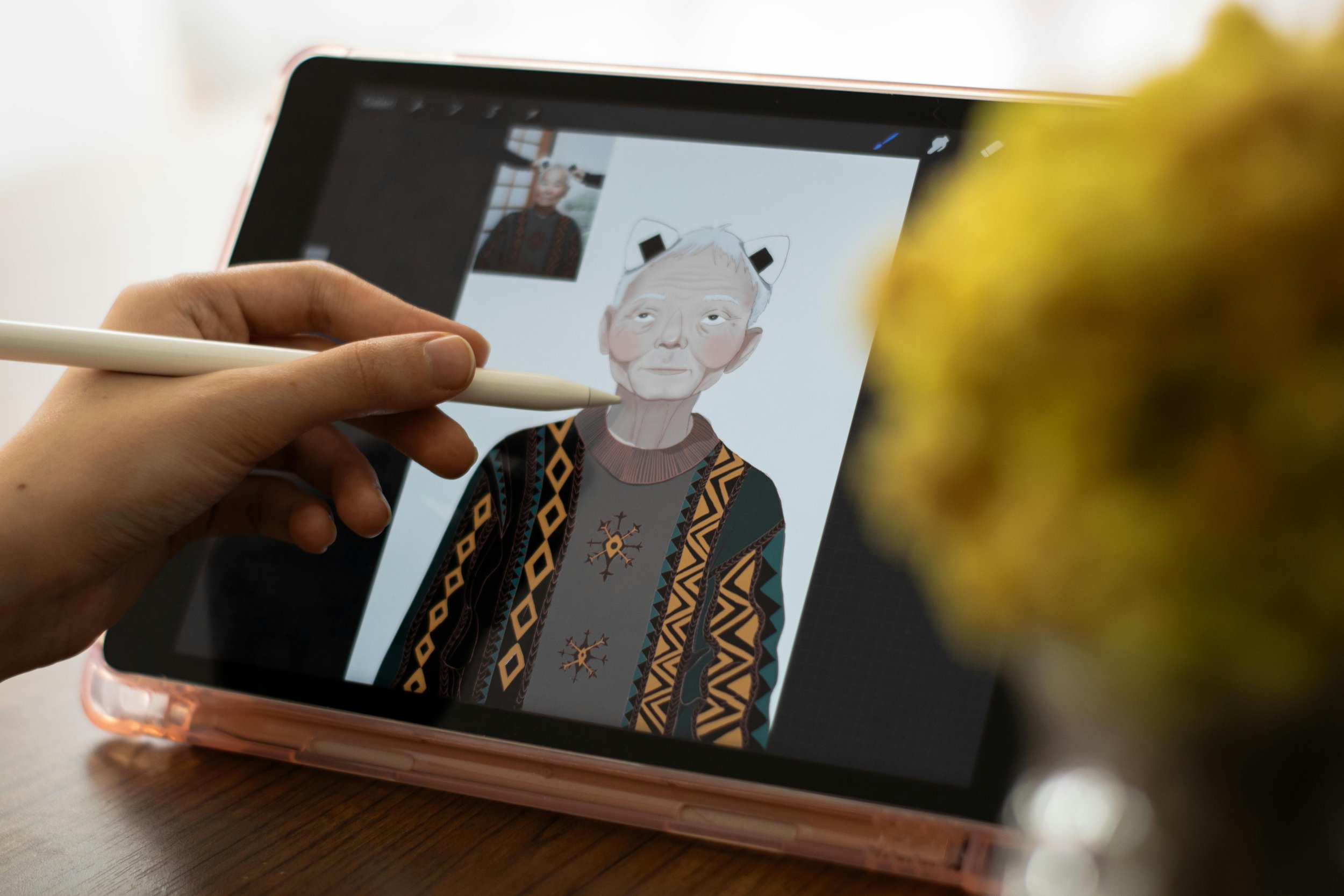
Product: Huion Kamvas 13 Gen 3 Pen Display with Stand
This one is the “sweet spot” tablet for most digital artists: portable size, vibrant colors, and responsive stylus performance that keeps lines smooth and expressive. It pairs well with creative software and gives you a natural feel that’s easy to build confidence around.
Best for: Intermediate artists and returning creatives who want a solid drawing surface
What we like: Accurate pen tech, strong color performance, built-in stand
What to know: Still requires a computer, but performance feels closer to pro tablets
PICK #3 — Best Balanced Pen Display Tablet
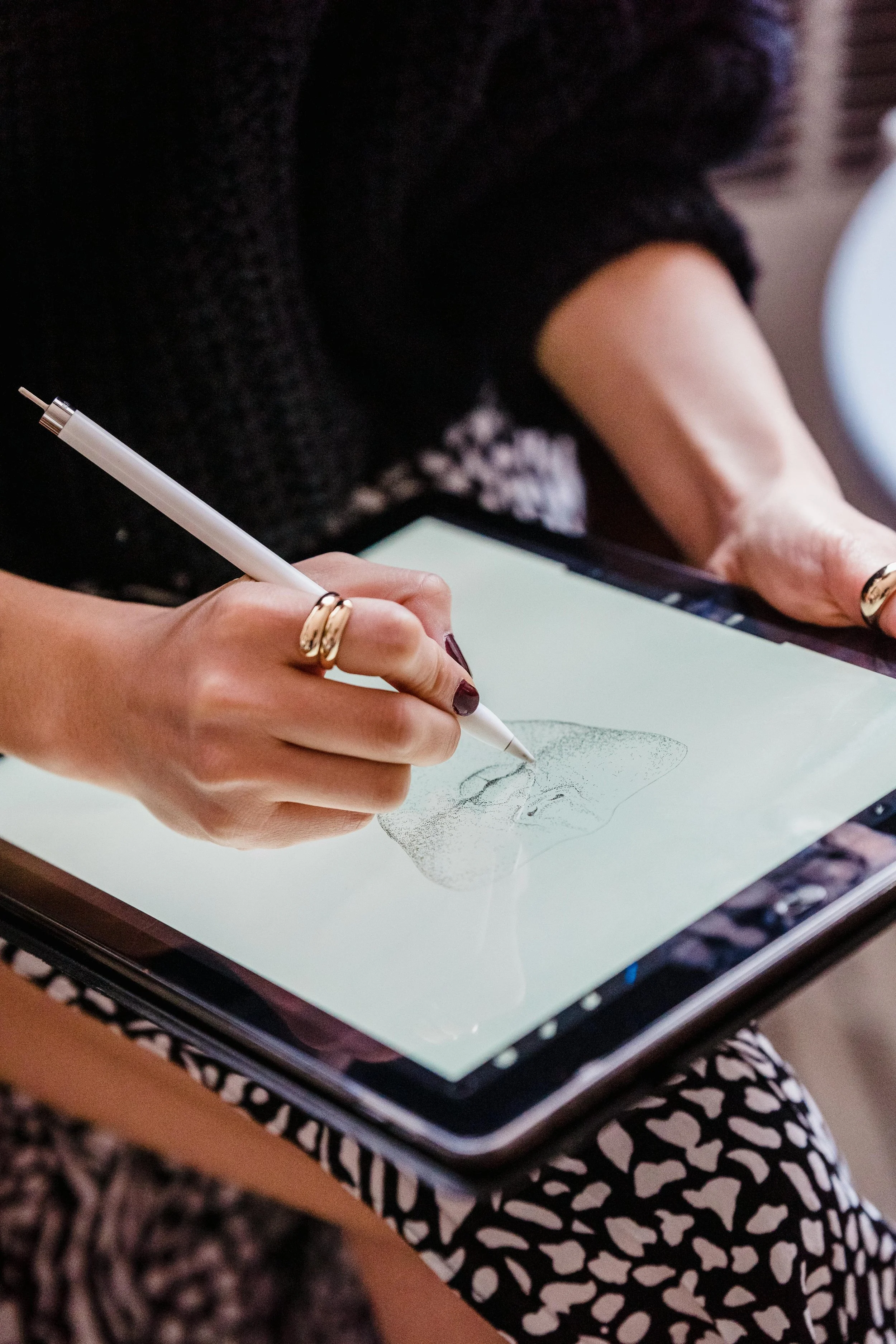
PICK #4 — Best Large Standalone Drawing Tablet
Product: Simbans PicassoTab XL 11.6 Inch Large Portable Drawing Table
This tablet bridges the gap between computer-connected drawing pads and full standalone tablets: a generous screen you can draw on without plugging into anything else. It’s spacious, portable, and friendly to on-the-go creativity—great if you like sketching outside a studio or between meetings.
Best for: Artists who want a big, standalone drawing experience without the iPad price
What we like: Large workspace, portable, no laptop required
What to know: App ecosystem may be more limited than major tablet brands
Your Questions, Answered
-
We looked at display quality, stylus responsiveness and pressure sensitivity, drawing experience, ecosystem (software and app support), and value. Our selections span from budget starters to capable mid-range devices, ensuring you get a fluid creative experience no matter where you’re starting from.
-
Not strictly. Tablets without screens (like pen tablets) can be excellent and precise tools, but tablets with displays let you draw directly on the canvas, which feels more intuitive and natural—especially for illustrators and painters.
-
Key factors include pressure sensitivity (to vary stroke thickness and opacity naturally), latency (minimal lag between pen and line), stylus quality, and screen clarity/texture if it has a display. More advanced tablets also offer tilt support and broad color accuracy for professional workflows.
-
Each has strengths: iPadOS tablets (like iPad Pro/Air) are powerful all-around devices with top art apps, Android tablets are flexible and often include stylus support, and dedicated graphics tablets (with or without displays) focus on pure drawing experience. Your choice should reflect how much versatility you want beyond digital art.